

Thomas GrowNovember 6, 2025





Review: Lenovo IdeaPad Flex 5 – A Versatile & Stylish 2-in-1 Laptop That Delivers!
Michael Paul Metcalf
April 7, 2025
In our day to day life, versatility is key. The Lenovo IdeaPad Flex 5 (14IAU7) is another upgrade by Lenovo to be an impressive 2-in-1 laptop that balances performance, portability, and style. Designed for students, professionals, and casual users alike, this convertible laptop offers a stunning OLED display, powerful Intel processing, and a seamless touchscreen experience. Let’s dive deeper into what makes this device a possible top choice in the convertible laptop market.
Performance That Keeps Up with Your Pace
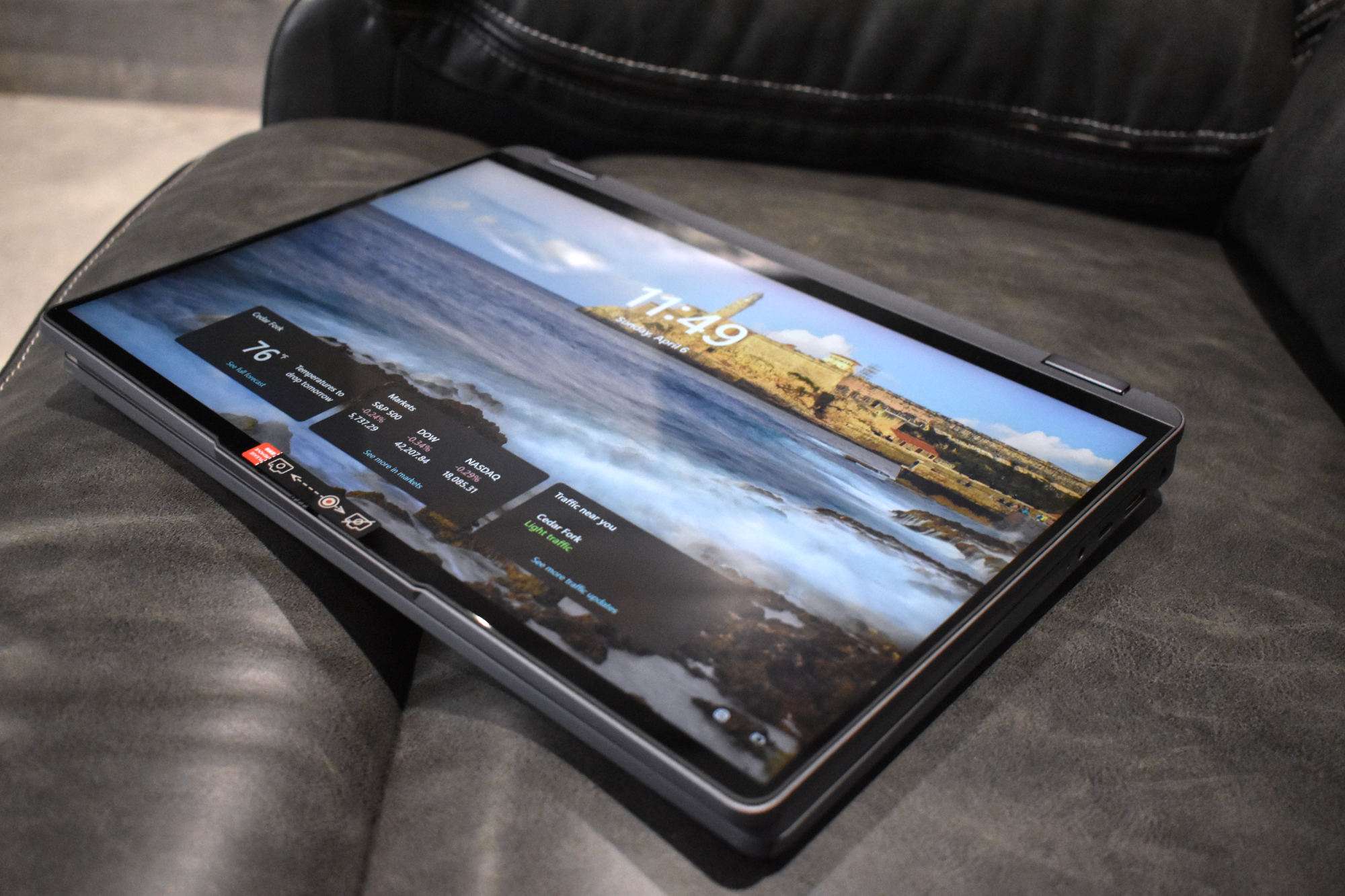
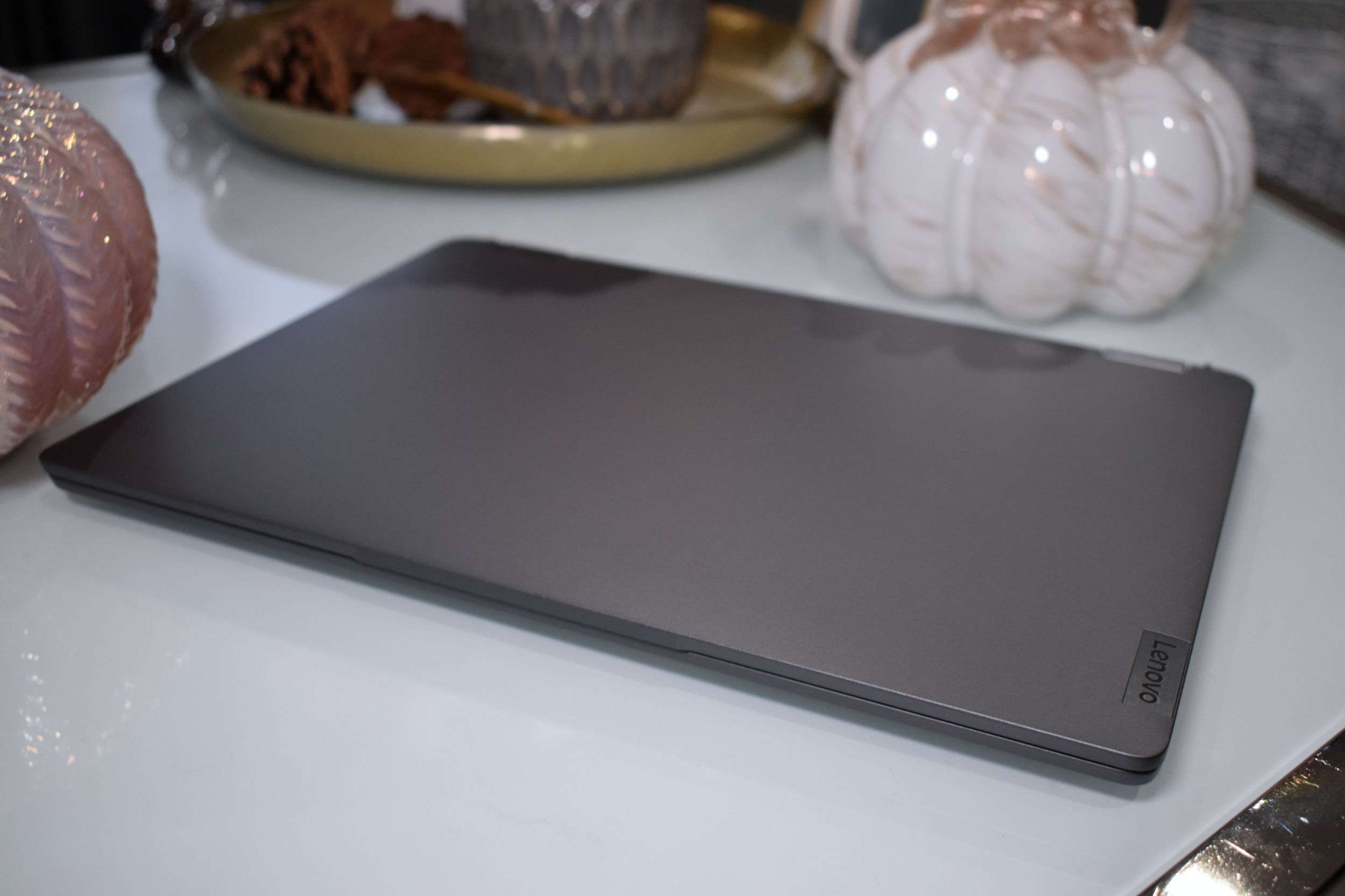
Right out of the box, the Lenovo IdeaPad Flex 5 14IAU7 gives off that familiar Lenovo 2-in-1 vibe—which isn’t necessarily a bad thing. It’s sleek, well-built, and practical, but I do wish it had a bit more of a unique design to make it stand out. That said, once you power it on, any minor design gripes quickly take a backseat to what’s under the hood.
Running the show is the 12th Gen Intel Core i7-1255U processor, which handles everyday tasks with ease and even pushes beyond the basics. Whether I’m juggling multiple apps, working on reports, or streaming in high resolution, the performance never skips a beat. And thanks to Intel Iris Xe Graphics, there’s a nice boost for casual gaming, light photo editing, and creative work. Sure, it’s not a gaming powerhouse, but for productivity and entertainment, it does more than hold its own.
What really makes everything feel seamless is the up to 16GB of LPDDR4x-4266 RAM. Multitasking is buttery smooth—switching between tabs, editing documents, and running multiple programs all feels effortless. And storage? No worries there. With options up to a 1TB M.2 PCIe NVMe SSD, I’ve got more than enough space for files, projects, and media without dealing with sluggish load times. The SSD also makes boot-ups ridiculously fast and ensures file transfers happen in a snap, keeping my workflow frustration-free.
Breathtaking OLED Display That Captivates
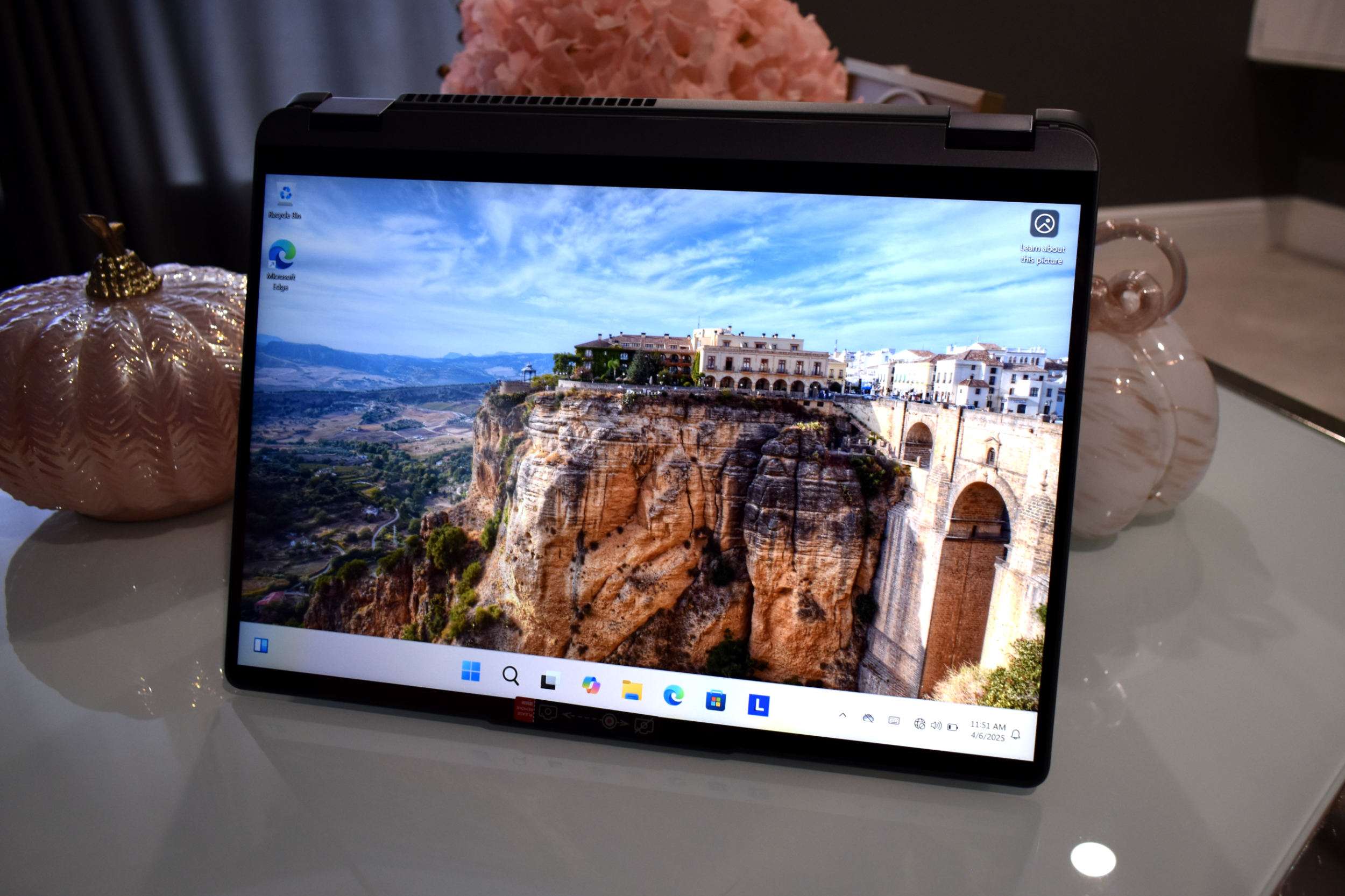
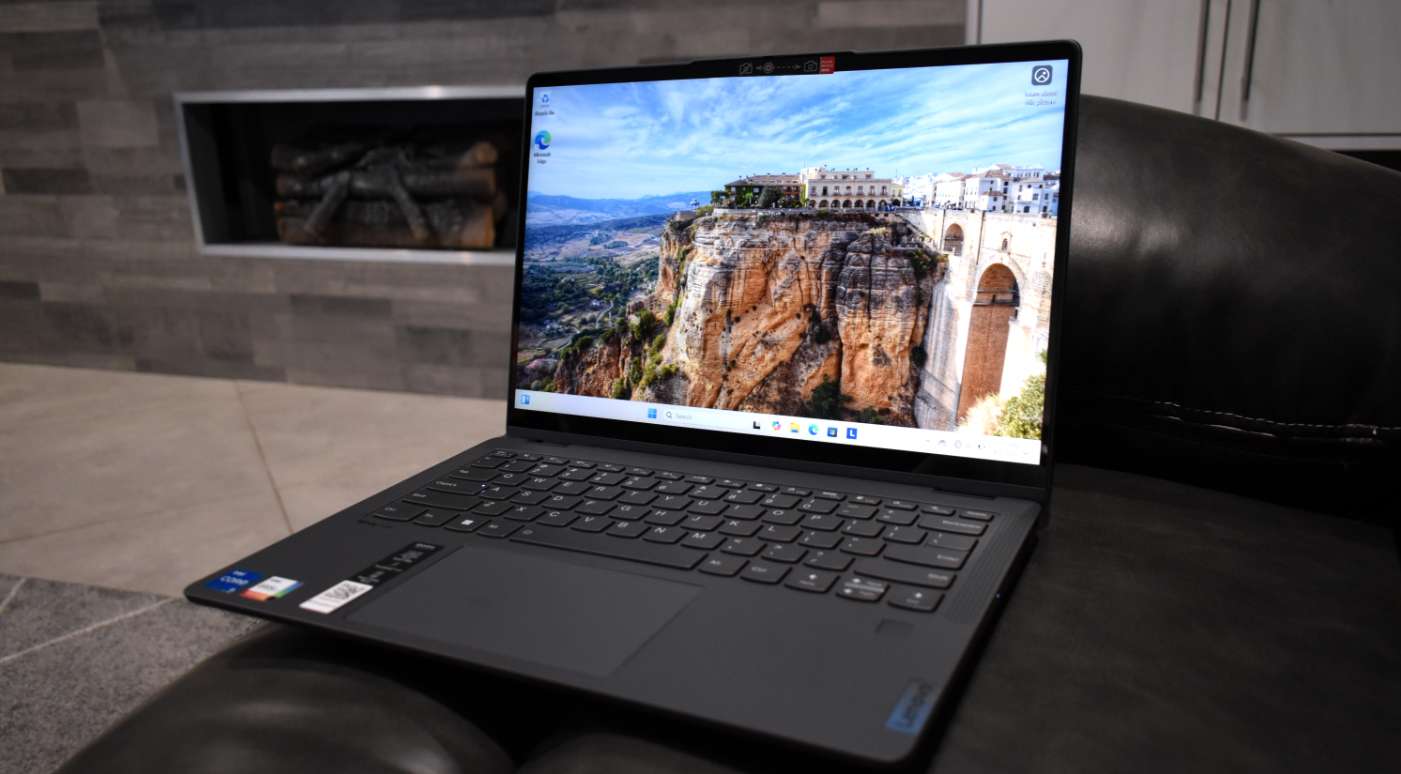
One of the things I love most about the IdeaPad Flex 5 14IAU7 is its absolutely stunning 14-inch OLED display. Right away, the 2880×1800 resolution makes everything look incredibly crisp, and with 400 nits of brightness, the screen holds up well even in brighter environments. But what really sets it apart is the 100% DCI-P3 color accuracy—colors pop, contrasts are deep, and the overall viewing experience feels premium. Whether I’m binge-watching my favorite shows, editing photos, or just casually browsing, the vibrancy and clarity of this display make everything look incredible.
Another big plus is the TÜV Low Blue Light certification, which helps reduce eye strain. I spend hours working on my laptop, so knowing that my eyes aren’t taking a beating is a huge relief—especially for students and professionals who spend all day staring at a screen. The 60Hz refresh rate keeps everything smooth, though I’ll admit, for hardcore gamers or those used to higher refresh rates, a bump up would have been nice.
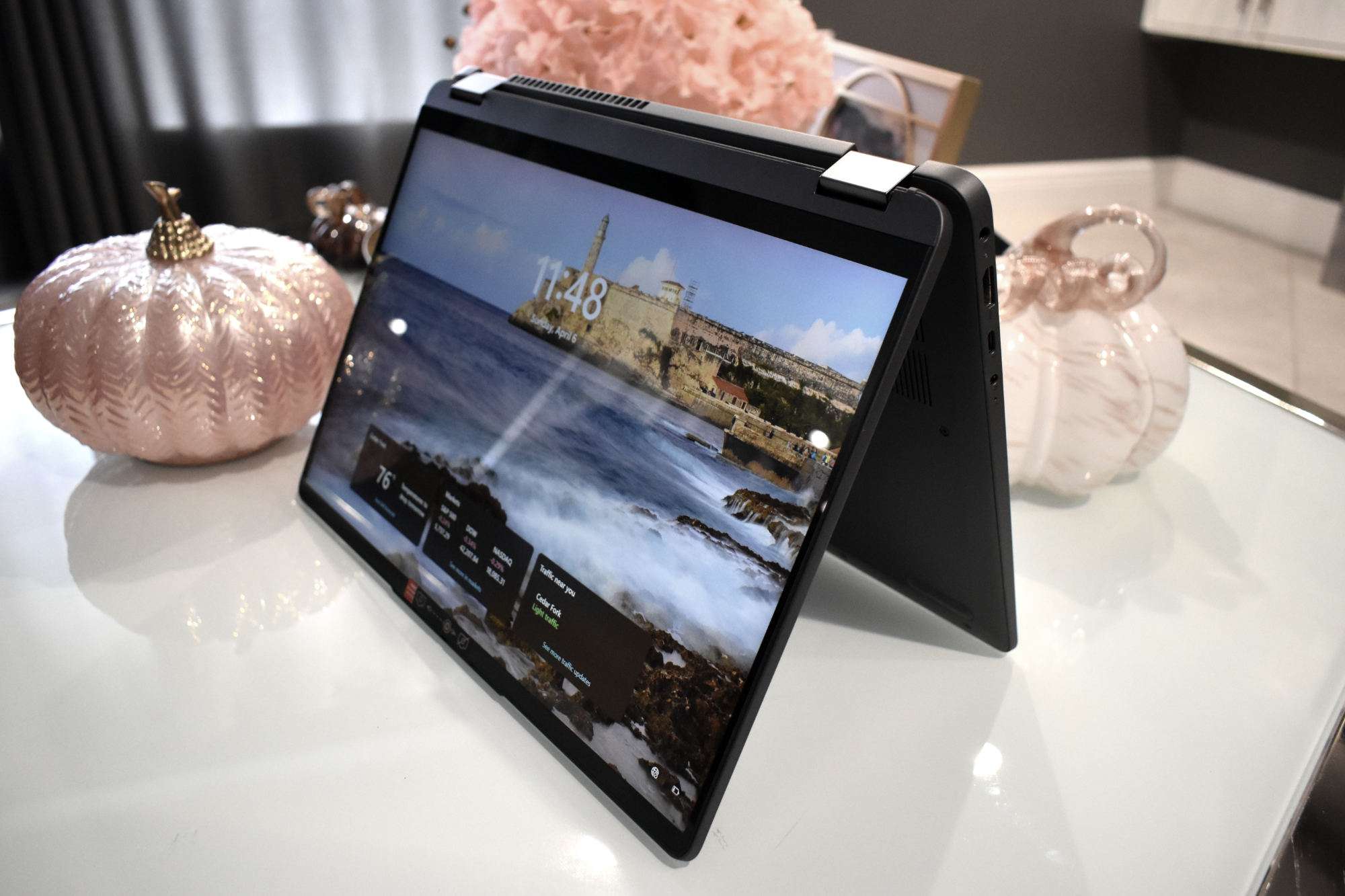
And let’s talk about the touchscreen—it’s super responsive and adds so much versatility to how I use the laptop. Whether I’m casually scrolling, using a stylus to take notes, or sketching out ideas, the IdeaPad Flex 5 feels intuitive and adapts to whatever I need it to do. For anyone looking for a well-rounded, visually stunning 2-in-1 laptop, this display alone makes it worth considering.
Convertible Design and Portability: Work Your Way
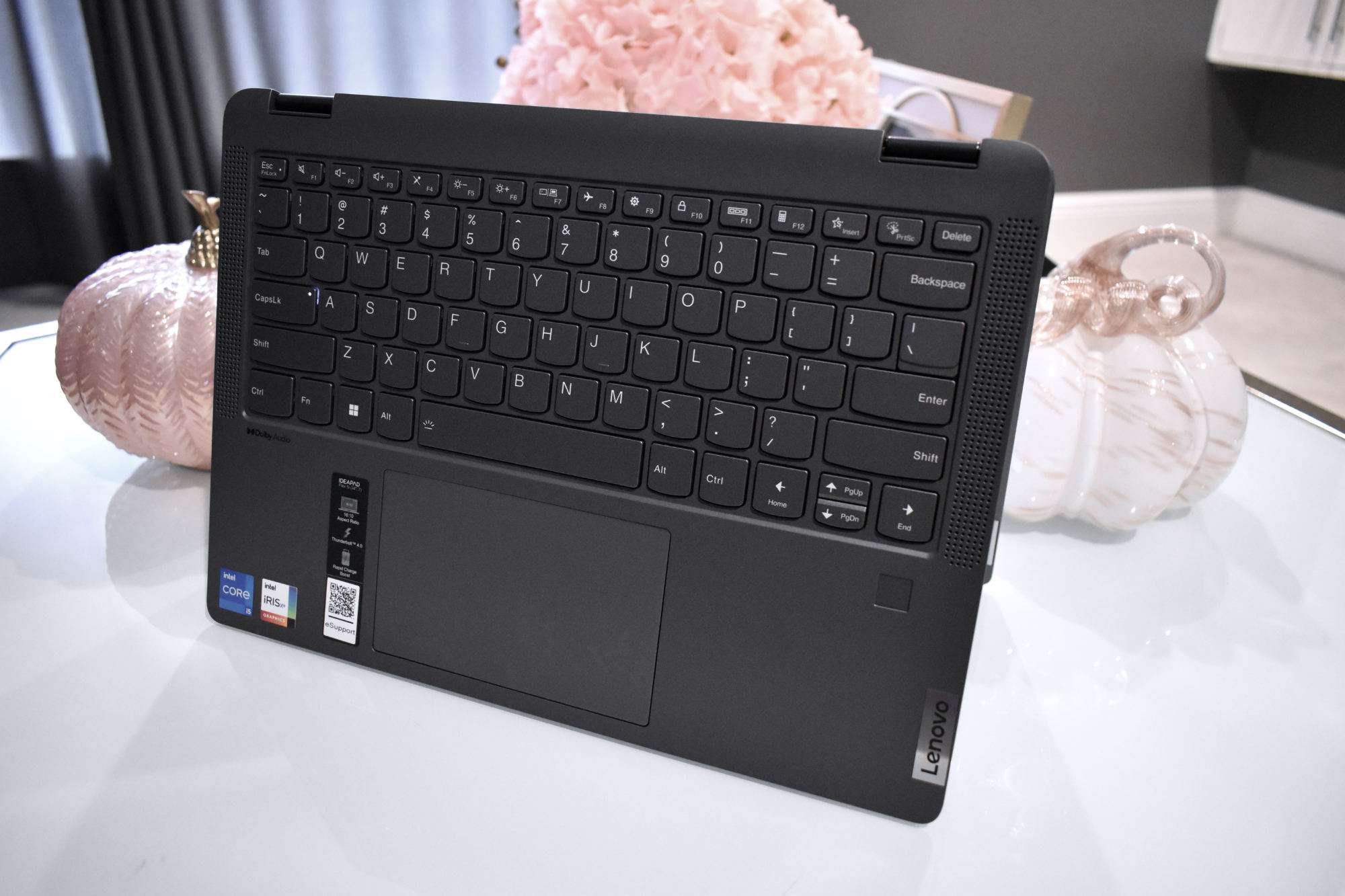
What really sets the IdeaPad Flex 5 apart for me is its 2-in-1 convertible design. The 360-degree hinge makes it incredibly versatile, allowing me to switch effortlessly between laptop mode for getting work done, tent mode for presentations or watching videos, and tablet mode when I just want to kick back and read or sketch. The transition between modes is smooth, and the hinge feels solid—no wobbling or awkward adjustments, just a stable setup in whatever position I need.
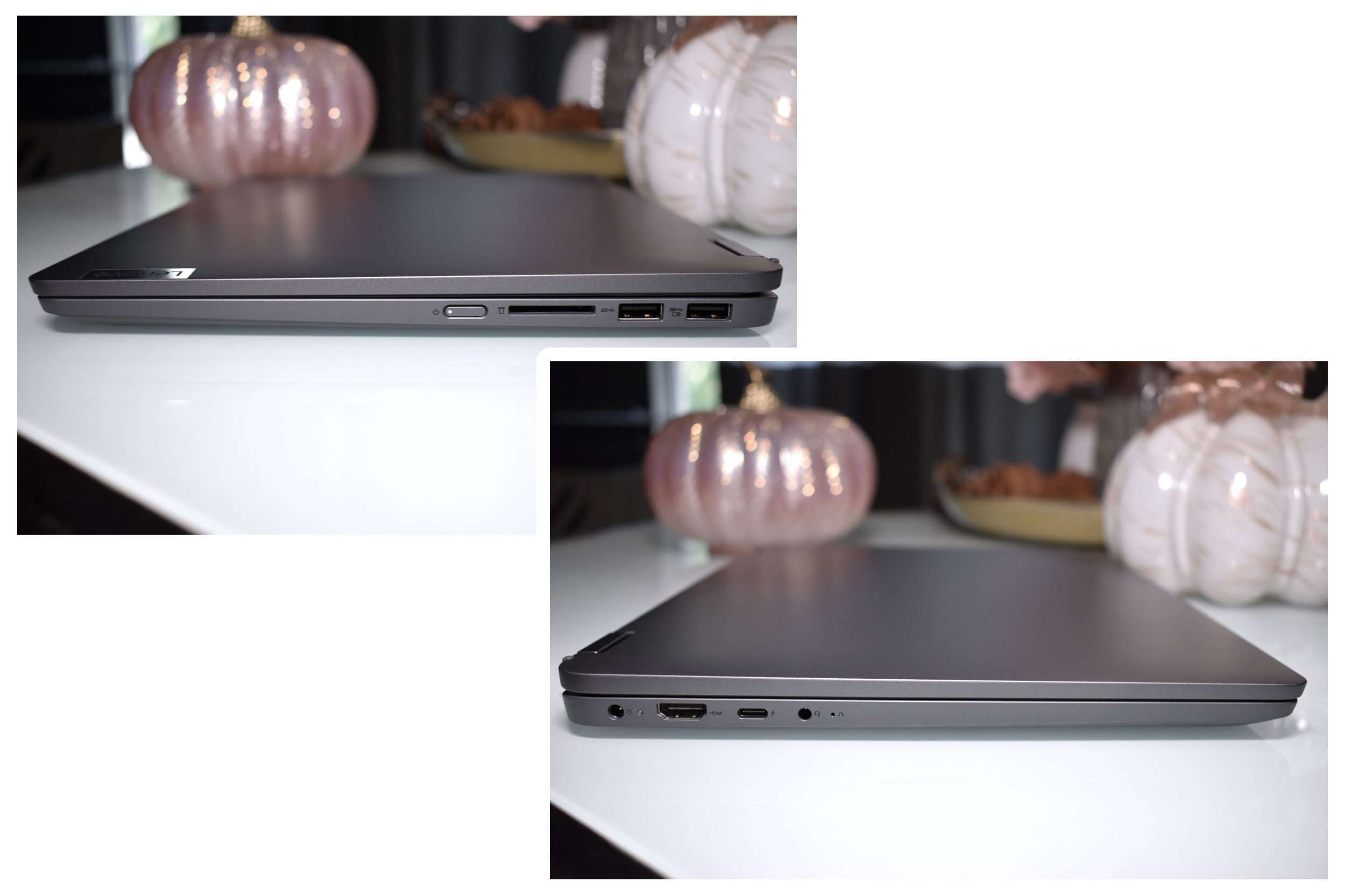
At around 3.3 pounds, it’s lightweight enough to carry around without feeling like a burden, making it perfect for anyone who’s always on the go—whether that’s students, professionals, or someone like me who needs a device that adapts to different tasks throughout the day. The build quality feels premium, with a sleek, modern design that looks just as good as it performs. Lenovo has really nailed the balance between functionality and style, making this one of the best convertible laptops I’ve used.
Pros:
- ✅ Brilliant OLED Display – Vibrant colors with eye-care features make it a standout.
- ✅ 2-in-1 Convertible Design – Flexible hinge allows multiple usage modes.
- ✅ Fast and Spacious Storage – Up to 1TB SSD for speed and ample space.
- ✅ Touchscreen and Stylus Support – Great for creative professionals and students.
Cons:
- ❌ Not for Heavy Gaming – While Intel Iris Xe Graphics is decent, it’s not built for high-end gaming.
- ❌ Soldered RAM – No option to upgrade memory later.
- ❌ 60Hz Refresh Rate – A higher refresh rate would have been a nice addition.
In Conclusion
I have to admit, I wish Lenovo had pushed the design a bit further, maybe refining the aesthetics or slimming it down a touch. But at the end of the day, the IdeaPad Flex 5 14IAU7 delivers where it truly counts—performance, speed, and reliability. This 2-in-1 strikes a great balance between power and practicality, making it a fantastic choice at a low cost, for anyone who needs a laptop that can seamlessly handle both work and play.
For students, professionals, or just about anyone looking for a solid, no-fuss convertible laptop, this one is definitely worth considering. It’s available at major retailers like Lenovo’s official website, Amazon, and Best Buy, with pricing starting around $541.60. If you’re in the market for a stylish, powerful, and highly adaptable laptop that won’t break the bank, the IdeaPad Flex 5 14IAU7 should definitely be on your radar!
advertising
Similar articles

Comments
Don't miss our best reviews
Occasional updates, only when we have something worth sharing
Occasional updates, only when we have something worth sharing

Thanks for your message!
We’ve received it and will get back to you soon.