

Thomas GrowNovember 6, 2025





Review: Lenovo IdeaPad Flex 5i Chromebook Gen 7 Plus
Kris Quick
July 25, 2025
I’ve owned and used more laptops than I care to count, including Chromebooks, but the IdeaPad Flex 5i Chromebook Plus Gen 7 has completely redefined my expectations, not just for ChromeOS devices, but for daily computing in general. Lenovo’s thoughtful design meets Google’s ambitious AI upgrades in a machine that feels agile, intelligent, and surprisingly versatile for its price point. After several weeks of everyday use, I can confidently say this Chromebook isn’t just “another budget laptop”, it’s a streamlined productivity tool.
First Impressions: Premium Without the Price Tag
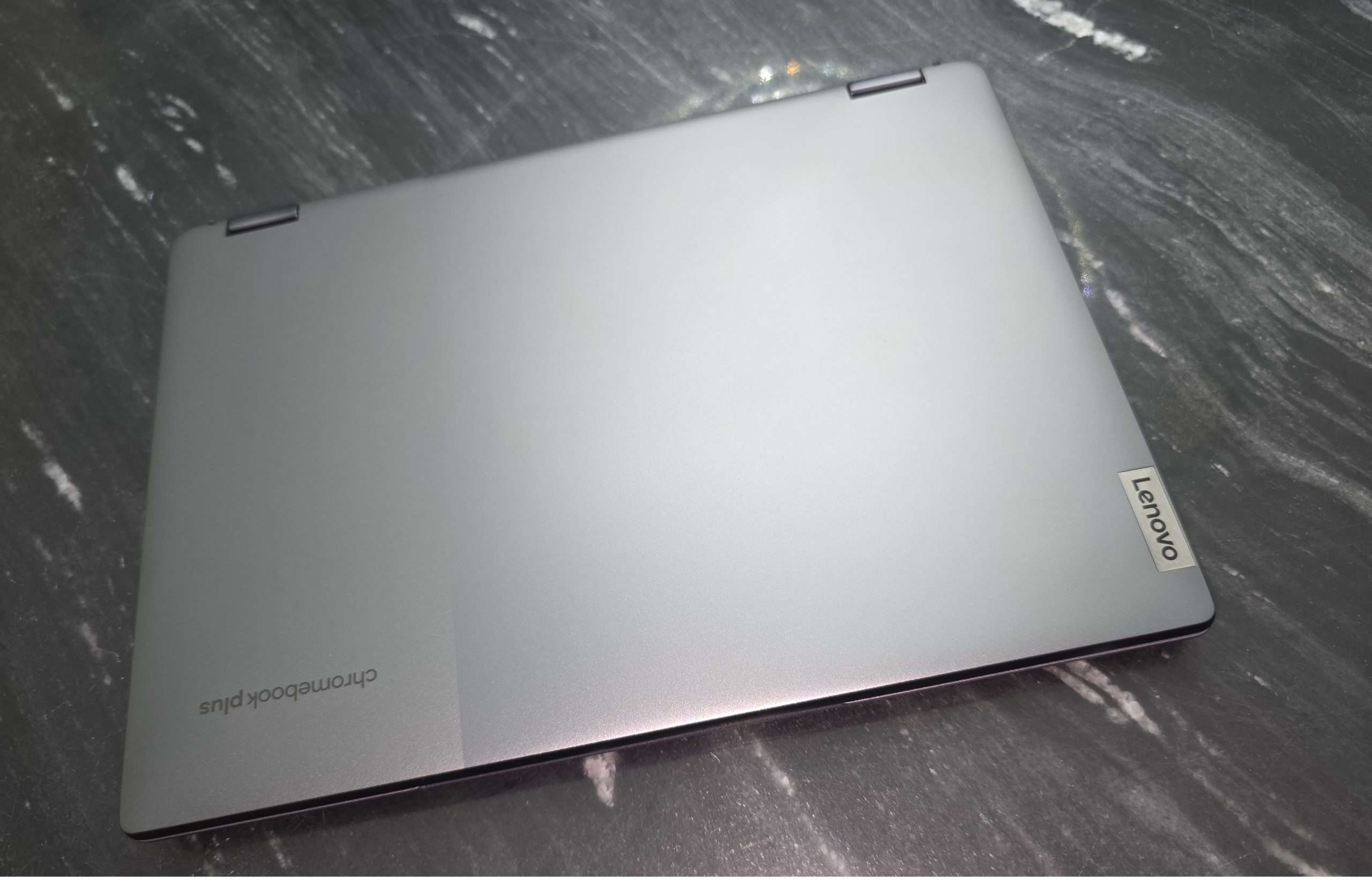
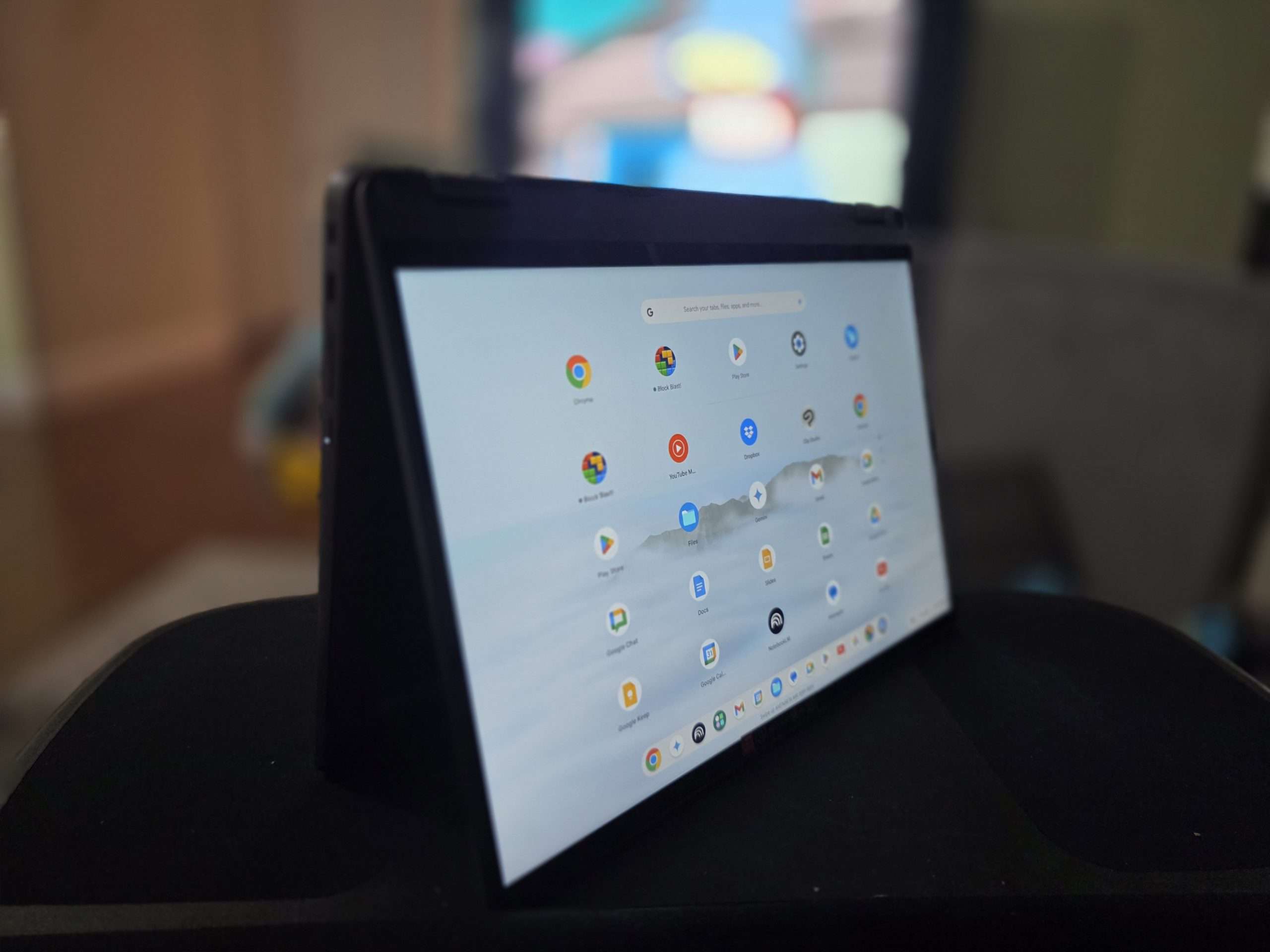
The moment I unboxed the Flex 5i Gen 7, I was struck by how exceptional it feels. Despite being largely constructed of plastic, it feels robust. The soft matte finish and aluminum-like accents give it a clean, modern look. Sleek, but not flashy. Professional, yet not boring. The 360-degree hinge is sturdy, letting me flip between laptop, tent, stand, and tablet modes with reassuring resistance and no creaking.
At 3.57 lbs and under 0.8 inches thick, it’s a compact companion for both home and travel. The 14-inch display sits in a well-balanced chassis that feels more compact than the screen size would suggest.
The Display: A Visual Upgrade
The 14-inch FHD (1920×1200) touchscreen is vibrant and crisp. It’s not OLED or ultra-high-resolution, but the clarity, color accuracy, and sharp text make it comfortable for long hours of reading, writing, and watching. The 300-nit brightness is enough for most indoor use, though it can struggle under direct sunlight. The touchscreen responsiveness is excellent, especially in tablet mode. Scrolling, zooming, and tapping feel fluid, and it pairs nicely with a stylus (sold separately) if you’re into digital sketching or note-taking.
Performance: More Muscle Than You’d Expect
Under the hood, the IP Flex 5i Chromebook Plus comes with a 13th Gen Intel Core i5 processor, 8GB of RAM, and 256GB of SSD storage. That might sound modest, but for ChromeOS, it’s more than enough. Apps load almost instantly, multiple tabs hum along without a stutter, and Android apps from the Play Store run like native apps. I often run Google Docs, Sheets, YouTube, Canva, and Adobe Express at the same time without noticing slowdown.
Boot-up is nearly instantaneous. And thanks to the new Chromebook Plus optimizations, the system feels snappier than older models. Google’s tweaks under the hood are clearly doing something right.
Google AI Integration: The Star of the Show
The biggest leap forward is the Google AI integration that comes with Chromebook Plus devices. This is not just marketing fluff, it’s a tangible, daily improvement.
First, there’s the Magic Editor in Google Photos, exclusive to Chromebook Plus. I was skeptical at first, but it genuinely impressed me. I can tap on unwanted objects in photos and watch them disappear with convincing context-aware fill. I’ve cleaned up messy backgrounds, removed photobombers, and even repositioned elements in snapshots, all in a few taps, without opening Photoshop.
Another standout is Help Me Write, available across many apps and fields. Whether I’m drafting an email, writing a blog post, or replying to a message, this tool suggests context-aware content that’s eerily useful. It doesn’t feel robotic, it adapts to the tone I’m already using, helping me write faster and more clearly. For someone who writes daily, it’s a low-key game changer.
Then there’s AI-powered video conferencing enhancements. In Google Meet, I get automatic lighting adjustments, improved background blur, and clearer audio filtering, all handled locally, without needing an external app or setup. Video calls just look and sound better without me having to think about it.
Keyboard, Touchpad, and Pen Support
Typing on the Flex 5i is a joy. The keyboard has satisfying travel and a subtle tactile feel. It’s backlit, which is great for night sessions, and spaced out well enough for fast typing without error. The touchpad is generously sized, smooth, and accurate. It doesn’t have the haptics of a MacBook, but for a Chromebook, it’s top-tier.
I also tested it with a stylus. Palm rejection is decent, and handwriting input feels natural in tablet mode. It’s not something I use every day, but when I do, especially in apps like Google Keep or Cursive, it works very well.
Battery Life: Quietly Reliable
Lenovo advertises up to 10 hours, and that feels accurate. On a typical day, Wi-Fi on, brightness at 60%, working between apps and a few video calls, I consistently get 8.5 to 9.5 hours. That’s enough for a full day without worrying about charging. Standby time is perfect. I’ve closed the lid overnight and come back to just 1–2% battery drain.
Ports and Connectivity
The Flex 5i covers the basics well: two USB-C ports (one on each side), one USB-A, a microSD card slot, a headphone/mic combo jack, and a Nano security lock slot. No HDMI, but with USB-C display output, I can hook it up to an external monitor with ease.
Wi-Fi 6E ensures fast, stable connections, and the Bluetooth works seamlessly with my earbuds and external mouse.
ChromeOS Plus: The Best Version Yet
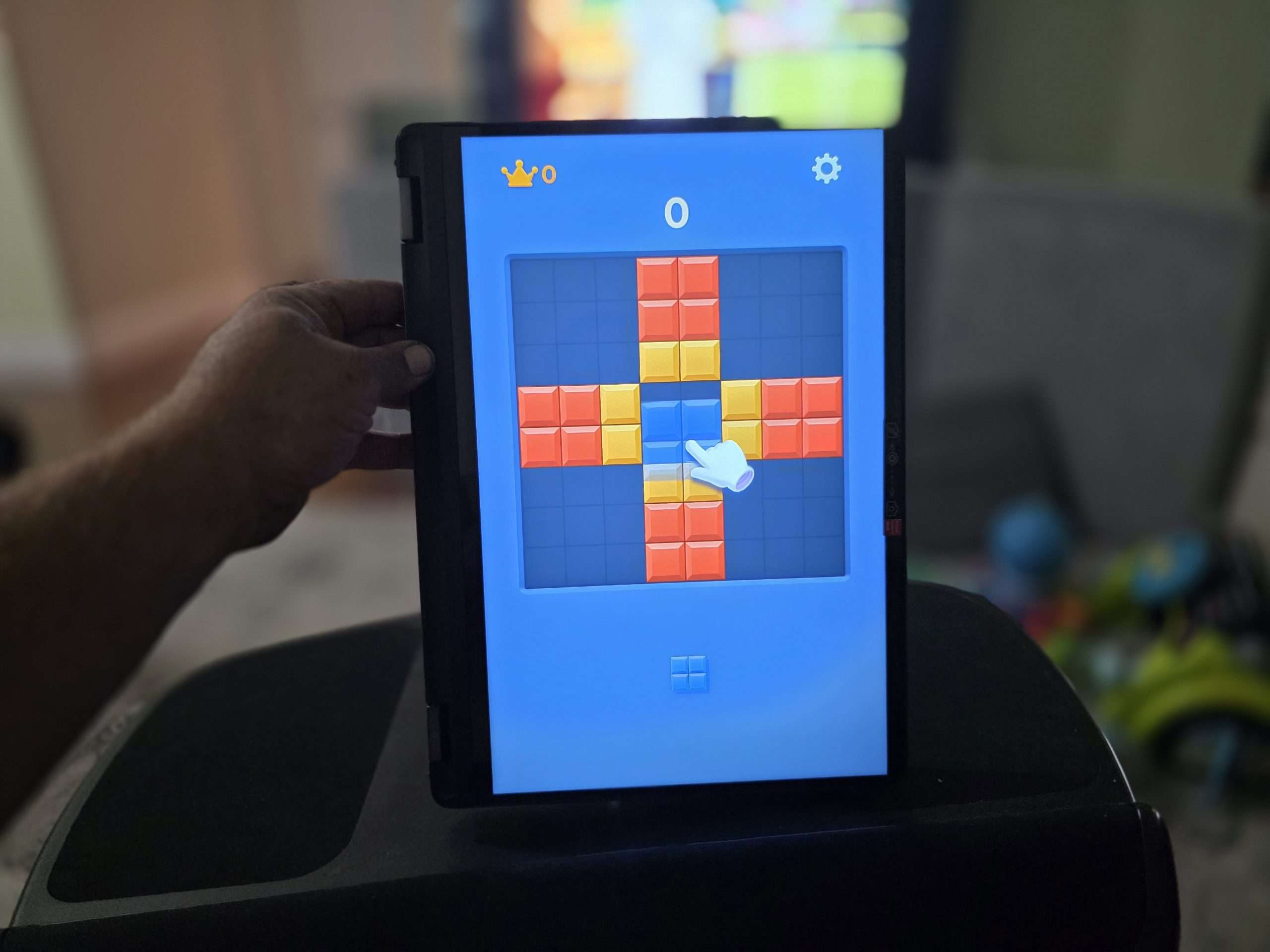
ChromeOS has come a long way from its early web-only days. With Android and Linux app support, I can now run lightweight code editors, creative tools, and even some light games. Add to that the exclusive Chromebook Plus enhancements, AI tools, offline file sync, and automatic performance tuning, and this OS finally feels like it’s grown up.
Everything just works. There’s no driver installation, and updates are so fast you hardly notice them. Security is tight and automatic. And best of all, even non-tech-savvy users could use this without a steep learning curve.
Pros
- Seamless Google AI integration
- Fast and smooth performance
- Long battery life
- Premium feel and flexible design
- Quick boot and update cycles
- Supports USI stylus input
Cons
- Limited outdoor brightness
- Stylus not included
- Speakers are average
Final Thoughts: Smart, Capable, and Underrated
The Lenovo IdeaPad Flex 5i Chromebook Plus Gen 7 is one of those devices that quietly over-delivers. It’s fast, flexible, thoughtfully designed, and elevated by Google’s AI tools in ways that feel useful rather than gimmicky. I wasn’t expecting to rely so heavily on features like Magic Editor or Help Me Write, but now I can’t imagine going without them.
This Chromebook feels like it was made for real people who need to get things done, students, remote workers, casual creatives, or anyone tired of complicated, bloated Windows machines. If you’re looking for a smart, streamlined laptop that’s more than the sum of its parts, this one is easy to recommend. And for once, the “Plus” in the name actually means something.
advertising
Similar articles

Comments
Don't miss our best reviews
Occasional updates, only when we have something worth sharing
Occasional updates, only when we have something worth sharing

Thanks for your message!
We’ve received it and will get back to you soon.