
Kris QuickJuly 25, 2025





Review: Cricut EasyPress 3 – Portable and Beginner-Friendly!
Kris Quick
July 25, 2025
As someone who enjoys crafting and experimenting with DIY designs, finding the right tools can make all the difference. When I got my hands on the Cricut EasyPress 3, I wasn’t just curious, I was hopeful. I’ve used other heat presses in the past, and while they got the job done, they often felt either too bulky or too basic. After spending a few weeks working on projects with the EasyPress 3, I’m ready to share my honest, in-depth review.
Unboxing and First Impressions
The Cricut EasyPress 3 arrives in a sleek, compact box that’s easy to manage. Right off the bat, I appreciated the clean design. It’s modern, lightweight, and thoughtfully packaged with everything I needed to get started. The manual was straightforward, and it didn’t take long to realize that Cricut was aiming for accessibility and ease with this model. The mint-blue and white finish gave it a polished look that matched the rest of my Cricut setup.
Setup and Connectivity: Surprisingly Smooth
One of the standout features of the EasyPress 3 is its Bluetooth connectivity. That was new territory for me, heat presses I’ve used before were entirely manual. The setup process was incredibly simple. I downloaded the Cricut Heat app on my phone, paired the device, and followed the instructions. It walked me through my first project like a personal assistant. This app integration is what makes the EasyPress 3 shine. You input the materials you’re working with, let’s say, glitter iron-on and cotton fabric, and the app automatically sets the ideal time and temperature. No guesswork. That feature alone saved me from a few failed presses.
Design and Ergonomics
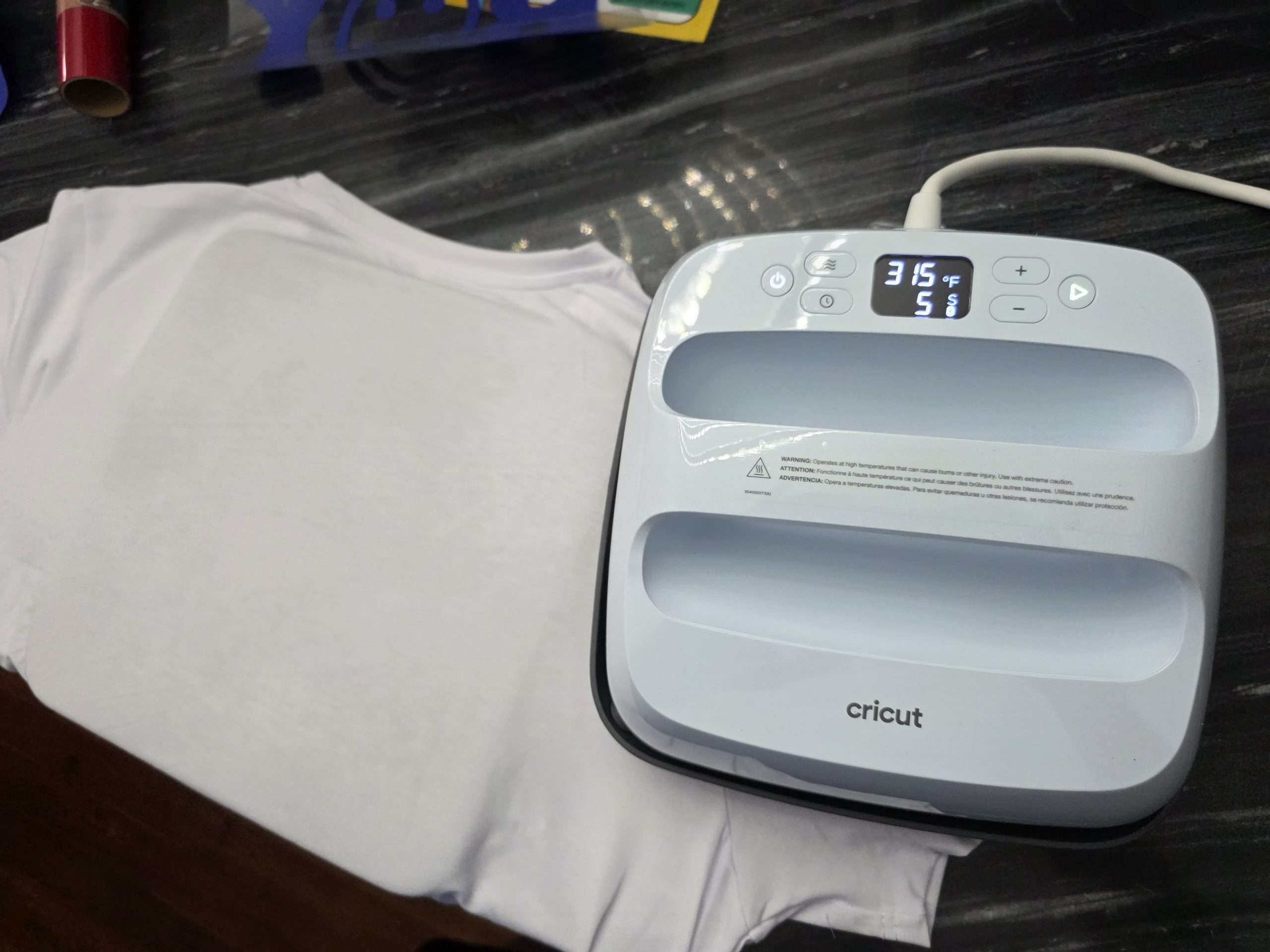
The EasyPress 3 strikes a great balance between traditional heat presses and handheld irons. The handle is large and comfortable. The base is evenly weighted, which helps apply uniform pressure. I found it perfect for T-shirts, tote bags, and smaller items. Unlike bulky clamshell presses, this one doesn’t require a ton of space. I could store it on a shelf and pull it out when needed, which is ideal for small craft rooms or shared spaces.
Heating Performance and Accuracy
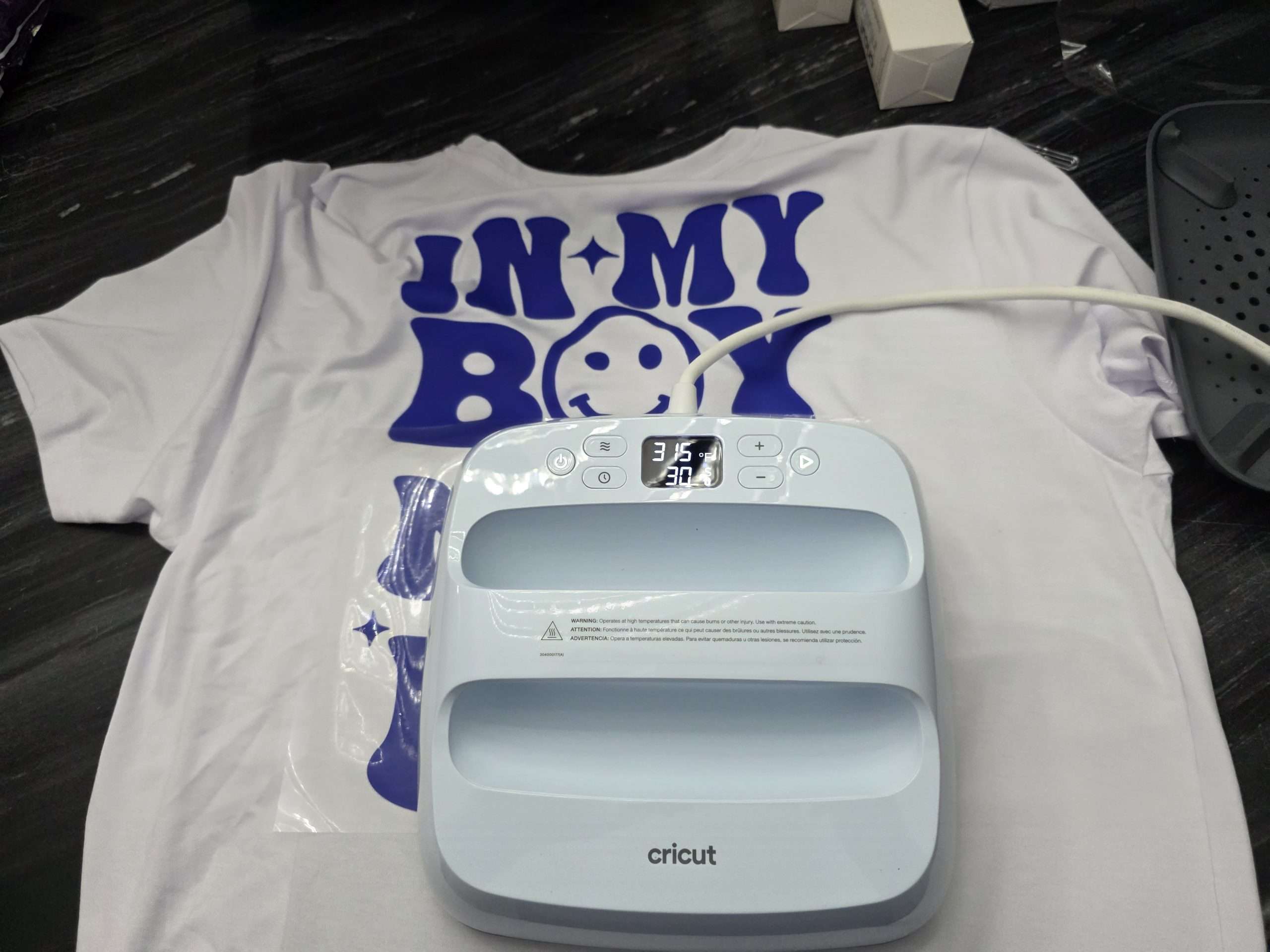
When it comes to heating, the EasyPress 3 delivers. It heats up quickly, usually within 2–3 minutes, depending on the setting, and the plate distributes heat very evenly. I tested it on different types of iron-on vinyl and even tried infusible ink, and in every case, the transfer was crisp, vibrant, and fully adhered. The timer starts automatically when you press the device down, and you get an audible beep when the time is up. That takes out all the second-guessing. You can also adjust settings manually if you prefer, but honestly, the app-controlled presets were spot-on every time.
Real Project Use: T-Shirts, Bags, and Beyond
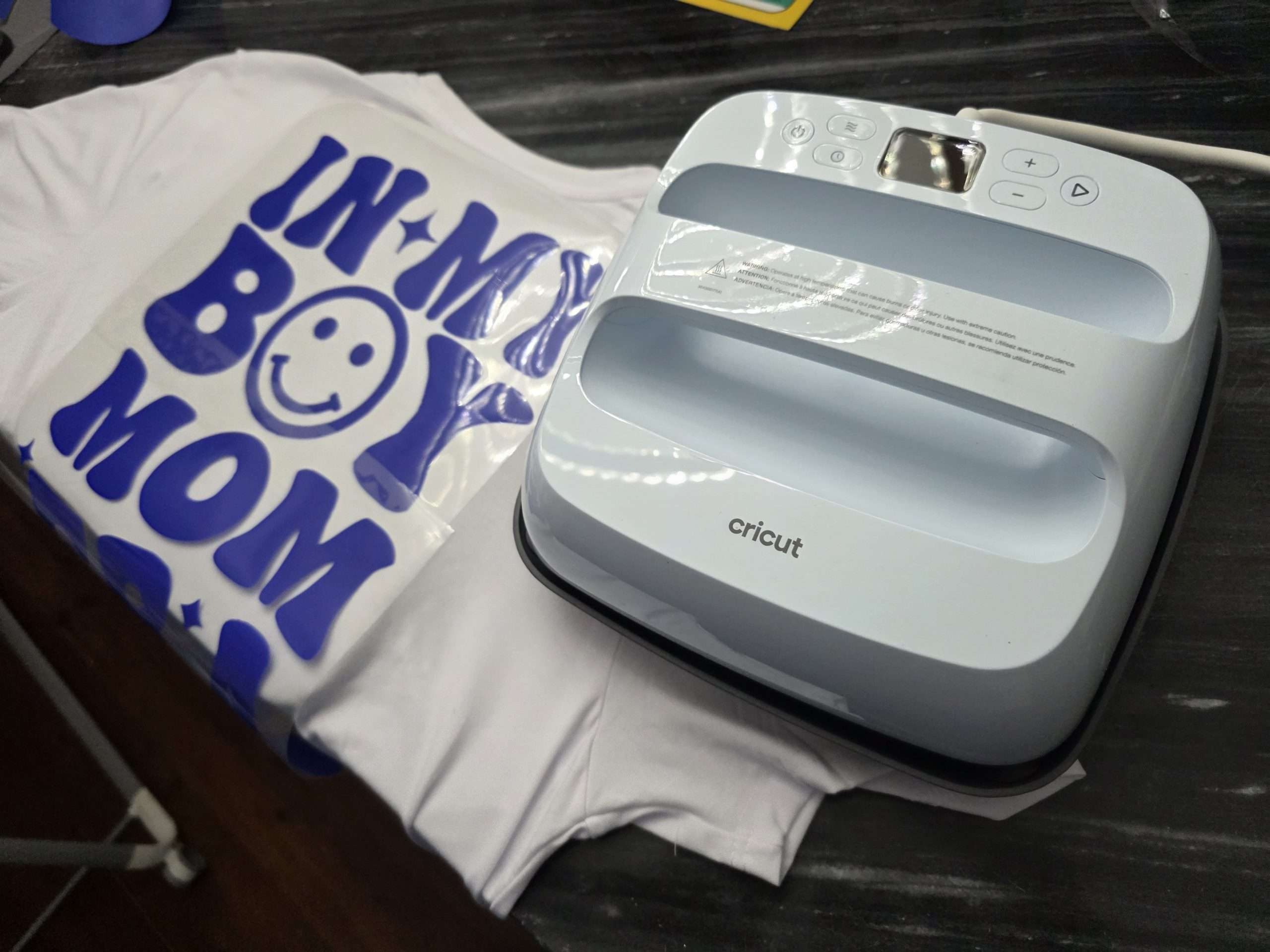
So far, I’ve pressed designs onto cotton T-shirts, canvas tote bags, and even wood signs. Every project turned out clean, with no scorching or peeling. The EasyPress 3 gives you that professional finish that’s hard to get with a regular iron, especially on complex designs or layered vinyl. What surprised me most was how beginner-friendly it felt. Even if you’re not tech-savvy, the app guides you step by step. It’s like having a mini Cricut instructor walking you through the process. And if you’re experienced, the device gives you enough control to fine-tune projects your way.
Portability and Storage
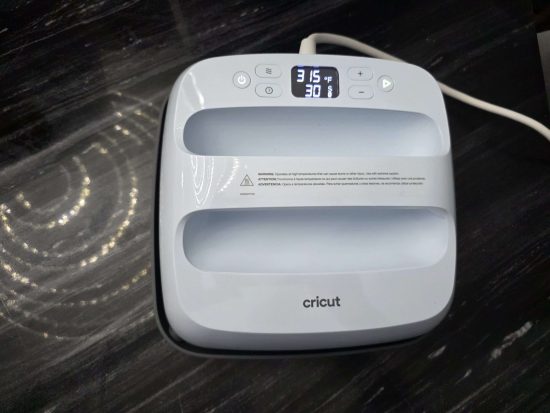
The EasyPress 3 is light enough to carry with one hand, and the included safety base makes it safe to place on any heat-resistant surface. This makes it easy to bring to craft fairs, workshops, or even a friend’s house for a group crafting session. When not in use, it doesn’t take up much space. I just slide it into a storage cube in my craft area, and it’s ready when I need it. Compared to traditional heat presses that require a permanent table or workstation, this felt like a breath of fresh air.
App Integration: Cricut Heat App Review
I want to go a little deeper into the Cricut Heat app, because it’s such a big part of the experience. You don’t just control the EasyPress 3 from your phone, you get access to full material guides, step-by-step instructions, and tips for every type of transfer. It’s like a heat press and a digital coach rolled into one. The app updates as Cricut adds new materials, which I found useful when experimenting with their newer products like Smart Iron-On. And I loved being able to prep the press while working on my designs in Design Space on my computer.
Pros:
- Bluetooth connectivity with Cricut Heat app
- Fast and even heating
- Compact, lightweight design
- Beginner-friendly setup
- Versatility
- Safe base included
- Modern, minimal look
Cons:
- Requires the Cricut Heat app
- Not ideal for large-scale or bulk production
Final Thoughts
The Cricut EasyPress 3 is a great choice for anyone who wants a smarter, more portable, and beginner-friendly way to work with heat transfer projects. Whether you’re a casual crafter or an Etsy seller doing custom tees and gifts, this device brings consistency, ease, and a touch of tech-forward convenience that really sets it apart. It may not replace an industrial heat press for high-volume production, but for most personal and small business use, it’s more than enough. I’ve already recommended it to a few crafting friends, and I wouldn’t hesitate to do so again. If you want something simple yet powerful that helps you craft with confidence, the EasyPress 3 checks all the boxes.
advertising
Similar articles

Comments
Don't miss our best reviews
Occasional updates, only when we have something worth sharing
Occasional updates, only when we have something worth sharing

Thanks for your message!
We’ve received it and will get back to you soon.