
Chetan JoshiMay 8, 2025





Review: Huion Inspiry Frego M – An All-round Dream Pen Tablet
Chetan Joshi
January 2, 2025
Back in the 1990s, when I was studying Art & Graphic Design, owning a drawing tablet was an unattainable dream for me and my peers. The market was then dominated by one or two specialist companies, and the prices were certainly out of reach for the likes of us students. Fortunately, times have changed. Technology has advanced (and continues to do so), customer demographics have changed, and the cost of ownership has come down too.
I’ve had the pleasure of reviewing a couple of Huion tablets over the past couple of years. The Huion Kamvas 16 (2021)
and the Huion Kamvas Slate 10
Both of these tablets impressed me and today, I have the pleasure of reviewing the Inspiroy Frego M.
What is it
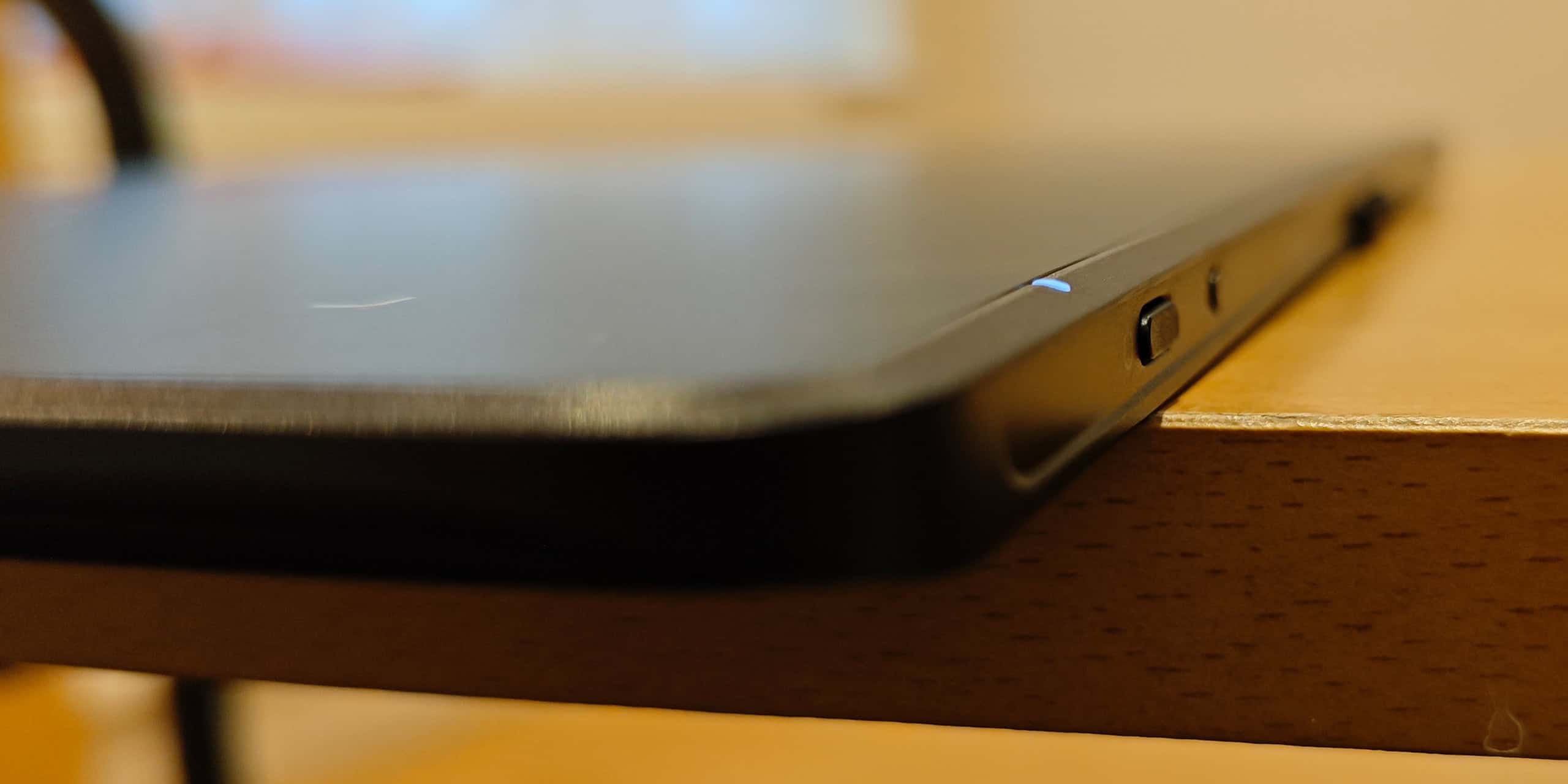
The Huion Inspiroy Frego M pen tablet is the big brother of their S model. It’s a beautifully sleek drawing tablet for those looking to dip their toes into the world of digital art or simply add a creative feather to their cap. This compact and portable tablet offers a good balance of features, making it an attractive choice for beginners and professionals too.
Unboxing
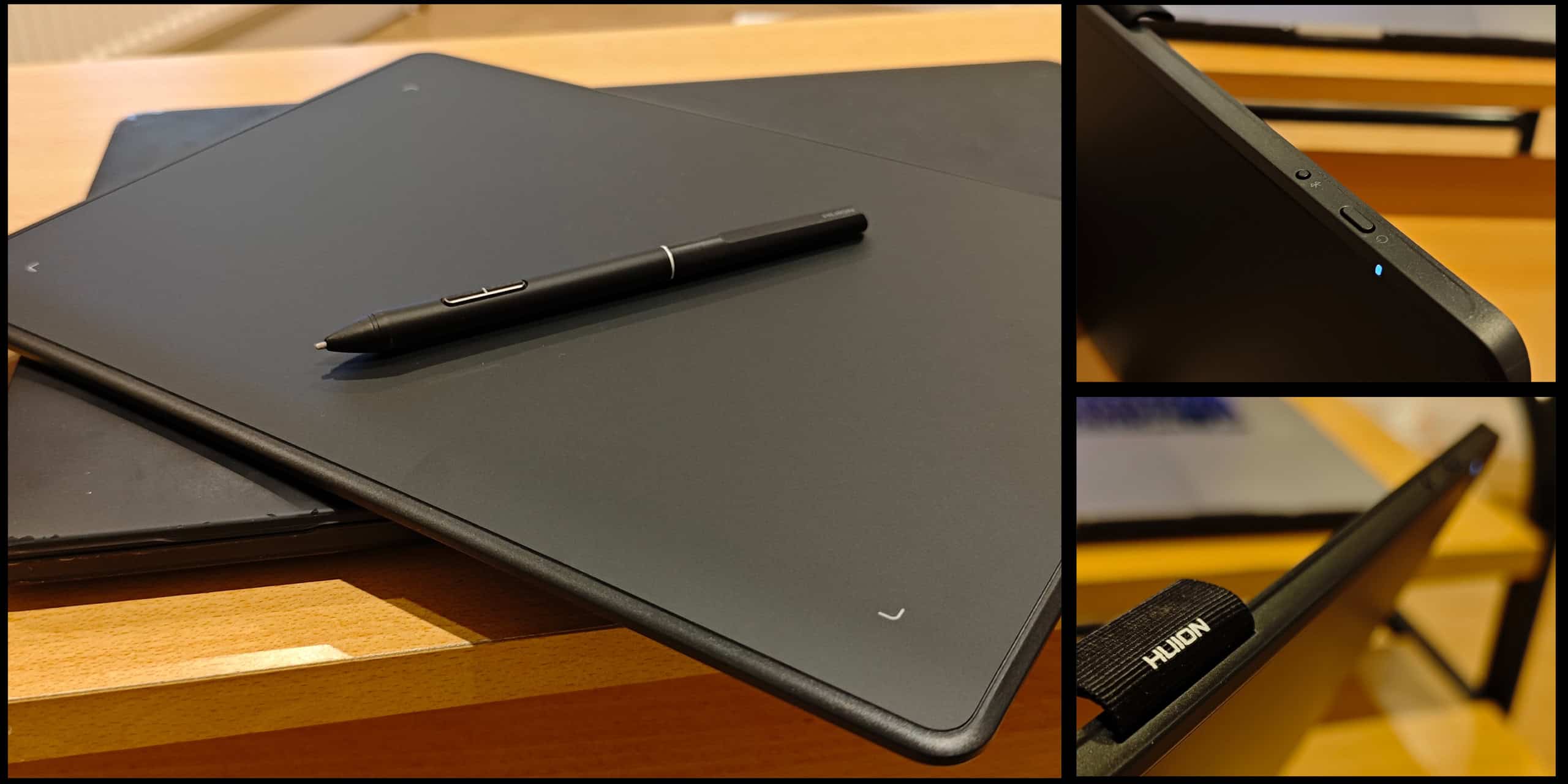
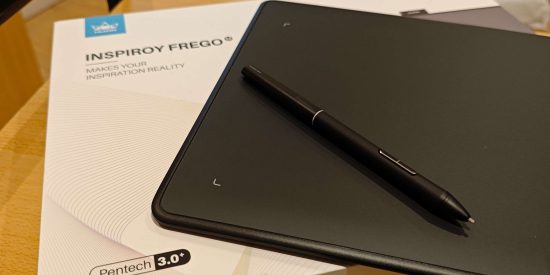
I’m a big believer in first impressions because, particularly with gadgets, in many instances, purchases are made without prior testing. All we generally have are reviews that influence our purchase. So unpacking the product is a big deal for me, even more so if I’ve spent my hard-earned money on the item. The packaging is quite sturdy, with a foam sheet on the underside of the lid to protect the drawing pad surface. Inside the box, there is the drawing tablet, PenTech 3.0+ enabled slim pen, USB cable, Pen Nibs × 5, Felt Nibs × 5, Pen Nib extraction tool and a user manual.
Design and Build
The Frego M sports a slender and minimalist design with a slim profile and a smooth, matte finish. The tablet itself is lightweight and portable, making it easy to carry around in a laptop, bag or backpack. The tablet is roughly A4 in size although the active area measures 254 x 158.8mm. Although it comes in a thin cellophane sleeve, I’d have liked a more durable (neoprene) sleeve to house the tablet which I fear could be subjected to the odd scratch or bump in transit if I’m out and about.
The included pen, the brilliant PW550, is battery-free and features 8192 levels of pressure sensitivity. I love the fact that it is battery-free. It isn’t powered by magic but utilises electromagnetic resonance (EMR) technology. This makes it surprisingly comfortable and additionally supports ±60° tilted use. As with many other pens/styluses, it has two customisable buttons that can be programmed for various functions using the Huion software, which is downloaded during setup. The support for tilt recognition allows for more natural shading and blending effects, but more about this later on.
Getting setup
The tablet can connect to your PC/ laptop or smartphone. It is compatible with Windows and MacOS, Android and iOS.
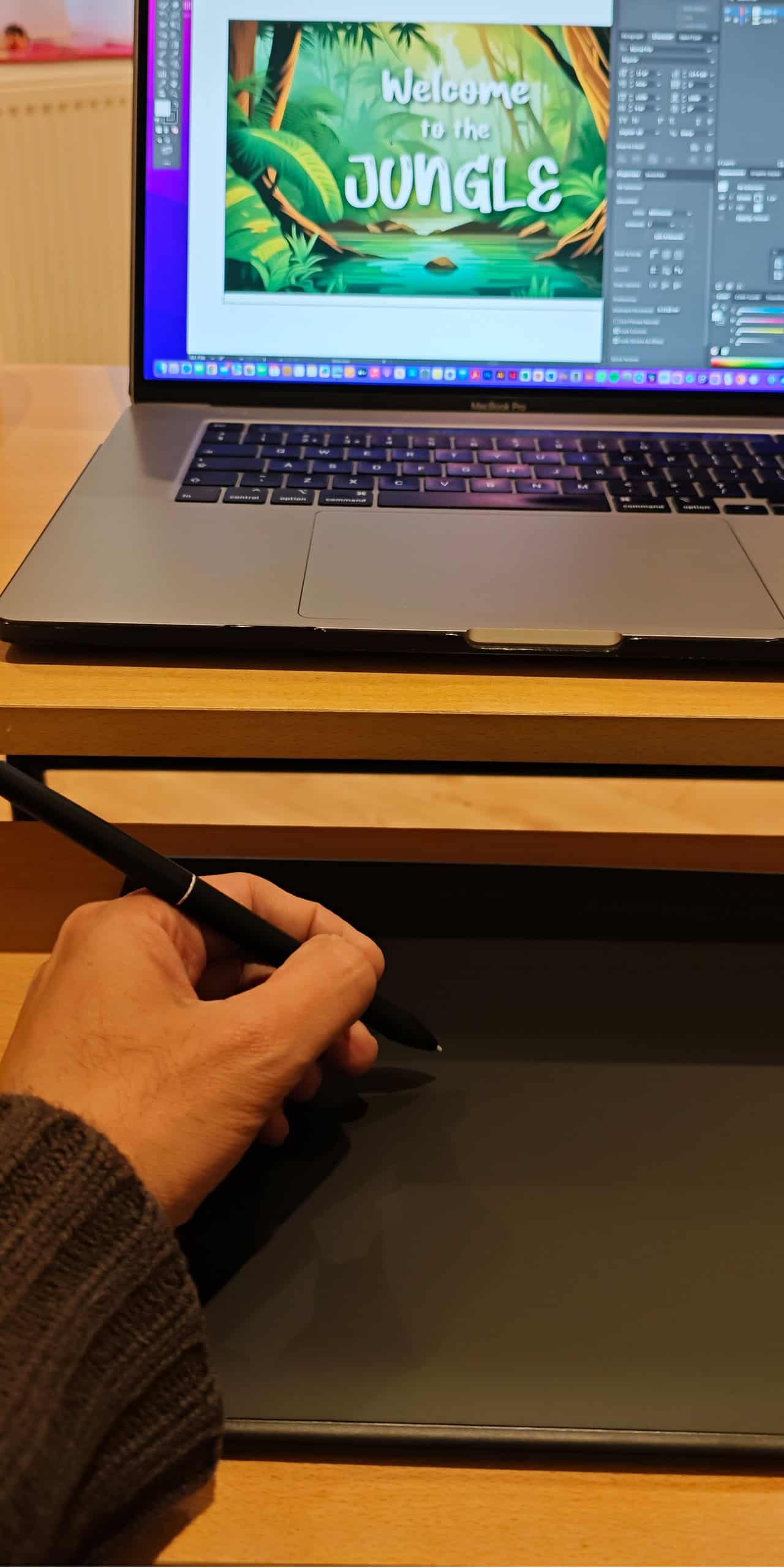
To start with, I connected the USB cable from the tablet to my MacBook. A prompt appeared on the screen stating the device wasn’t recognised and I had to go through a setup process. It instructed me to press the key next to the Shift key on the left side of my keyboard. It showed an illustration which didn’t resemble my MacBook layout, so I presumed it was an illustration of a Windows keyboard. I nevertheless pressed the key next to my Shift key, which didn’t work. After several failed attempts, I thought I’d try connecting with Bluetooth, and it worked immediately without any glitches. I was instructed to download the macOS driver from the Huion website, and just like magic, everything began to work fine.
Performance and Features
Drawing with a stylus can take some time to get used to. Can you remember how people clumsily attempted to use computer mice in the early days? I’ve become so used to drawing by rubbing my finger over the trackpad on my MacBook, the brain will need time to establish new neural pathways to make sense of this “new” way of drawing.
This is in contrast to the other Huion products I’ve reviewed before where the drawing surface was an LED screen which gave instant feedback on the marks I was making. Having said that, at this price point, the Frego M does provide a decent level of performance. The 5080 LPI resolution and 233 RPS report rate ensure smooth and responsive lines, while the 8192 levels of pressure sensitivity provide good control and accuracy. The drawing surface is slightly textured to provide the tactile impression of drawing on paper.
The omission of express keys or touch bars that are found on other devices is a welcome design consideration as far as I’m concerned. It conveniently makes the tablet both Left and Right-hand-friendly out-of-the-box, with no fuss. We lefties do tend to get the short end of the stick sometimes!
The Frego M is compatible with a wide range of creative software, including Adobe Photoshop, Illustrator, and Clip Studio Paint. The buttons on the pen can be assigned to carry out various tasks. As I hadn’t changed any of the sensitivity settings, I did grow frustrated when I accidentally made marks or pressed the GUI buttons while drawing. The tip of the pen can be up to 10mm away from the tablet surface to register any action. I do urge any buyers to spend a little time experimenting and adjusting the pen’s sensitivity before embarking on any visual masterpiece.
Overall, the tablet offers a solid foundation for basic drawing, sketching, and photo editing tasks. It would be possible to do some high-end work but I feel this would involve keeping one hand on the keyboard to access shortcuts. Fortunately, the tablet supports palm rejection, which helps to prevent accidental input while resting your hand on the active area.
To give a balanced review of the Huion Inspiroy Frego M drawing tablet, I feel I ought to inform potential buyers of the following pros & cons: FYI: The Cons are not deal breakers!
Pros
- Reasonably affordable price
- Compact and portable design
- Battery-free pen with tilt support
- Good pressure sensitivity and resolution
- Compatible with Windows, macOS, iOS and Android
Cons
- Lacks a durable carry case
- The Huion Inspiroy Frego M moniker is too much of a mouthful!
- If you’re not used to it, it may take time to adjust to drawing with a tablet.
Conclusion
Overall, the Huion Inspiroy Frego M is a solid entry-level pen tablet that offers good value for money. It’s a great option for beginners, students and those on a budget looking for a reliable digital art and creative work tool. While it may lack some of the bells and whistles of more expensive tablets, the Frego M delivers a satisfying drawing experience and offers a good foundation for exploring the world of digital art.
Further Information
The Huion Inspiroy Frego M is currently available for A$159.99 from the Huion store, where you will also find more information. Head on over to their website here.
advertising
Similar articles

Comments
Don't miss our best reviews
Occasional updates, only when we have something worth sharing
Occasional updates, only when we have something worth sharing

Thanks for your message!
We’ve received it and will get back to you soon.