Michael Paul MetcalfApril 7, 2025





Review: Lenovo IdeaPad 5x 2-in-1 (14″ Snapdragon)
Kris Quick
August 11, 2025
I have been using the Lenovo IdeaPad 5x 2-in-1 (14″ Snapdragon edition), and I can confidently say this is one of the most surprisingly capable and user-friendly devices I have used in recent years. At first, I wasn’t quite sure what to expect with a Snapdragon processor in a Windows laptop, especially since I’ve been used to Intel and AMD setups for years. But Lenovo took a calculated risk, and honestly, it paid off big time.
Snapdragon Inside, And That’s a Good Thing
The heart of this laptop is the Snapdragon X Elite chip (or X Plus, depending on your configuration), and while it’s a departure from traditional x86 CPUs, the performance feels snappy and surprisingly fluid for daily use. Windows on ARM has come a long way. I’m doing everything from browsing with multiple tabs open, watching 4K content, editing documents, and even some lightweight creative tasks like photo touch-ups and vector graphics, all with zero stutter.
Battery Life That Goes the Distance
One of the standout advantages of Snapdragon is power efficiency, and Lenovo leaned fully into that strength. I’m easily getting 12 to 14 hours on a single charge with mixed use. Streaming, typing, wireless accessories, everything. The standby battery life is just as impressive. I can close the lid, walk away for hours or even overnight, and lose only a tiny percentage. That means I’ve finally stopped obsessively reaching for my charger. On light days, I don’t even bother packing it. This is a real game-changer if you work remotely or spend long days on the move.
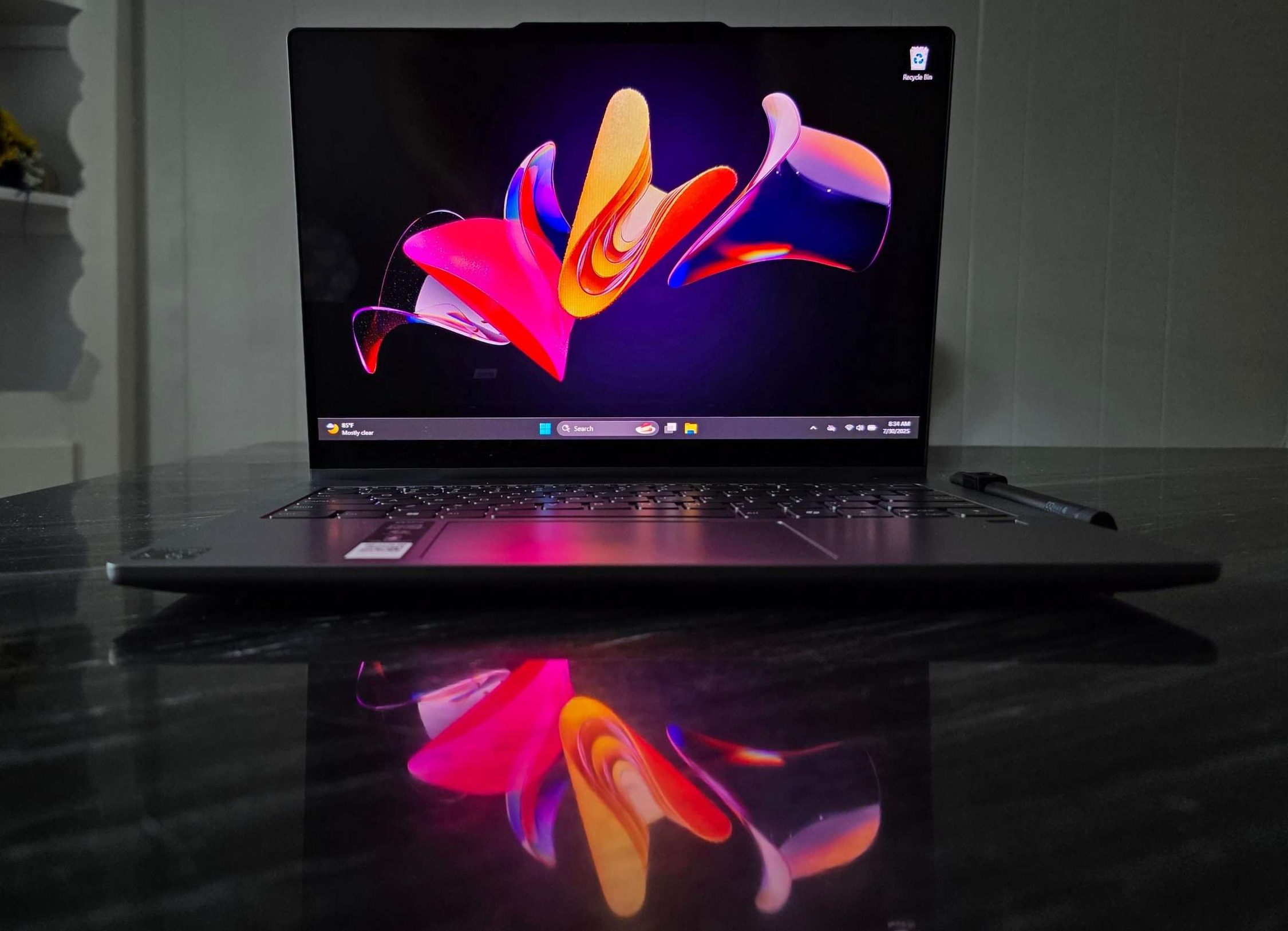
Display and 2-in-1 Versatility
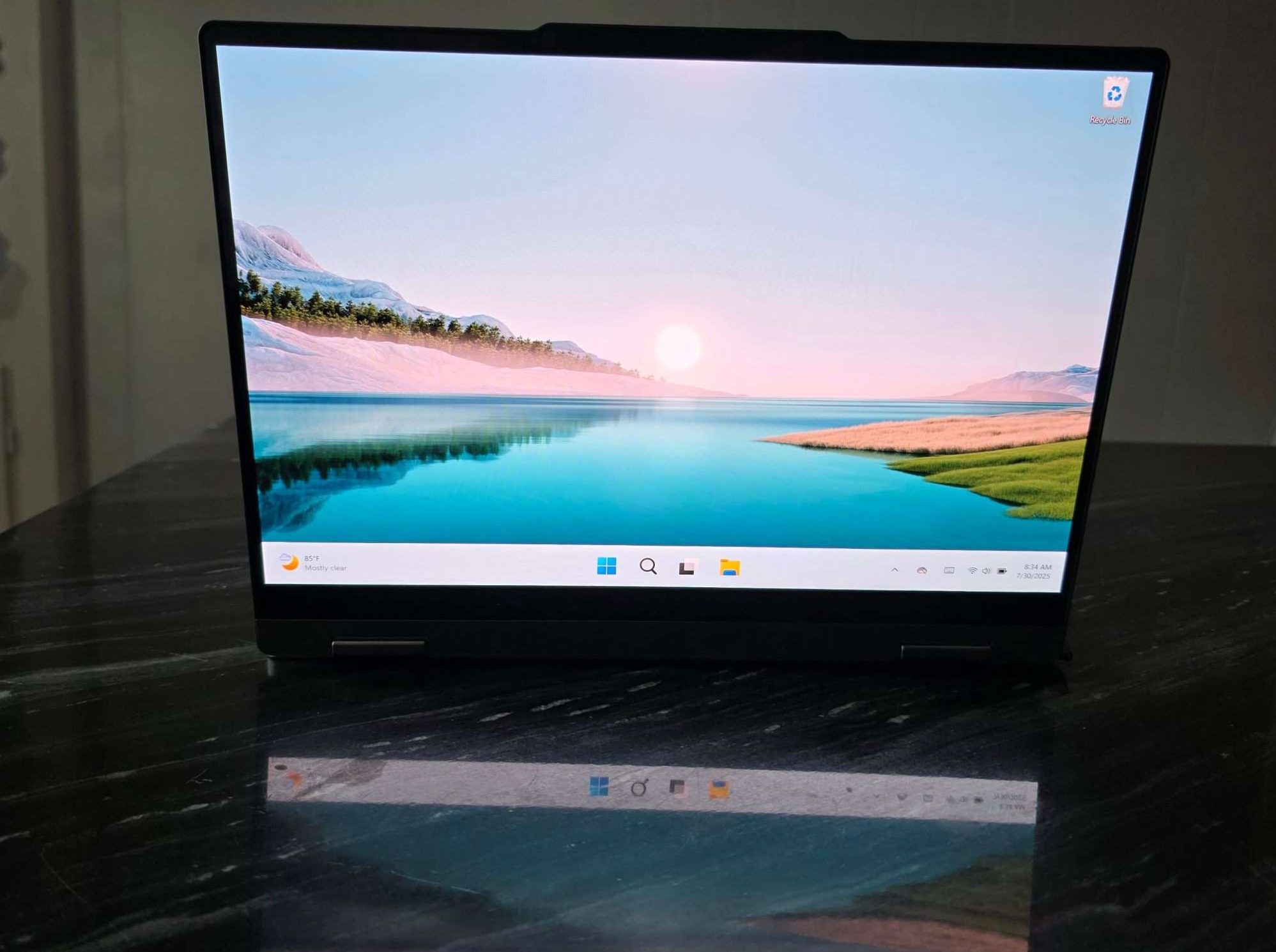
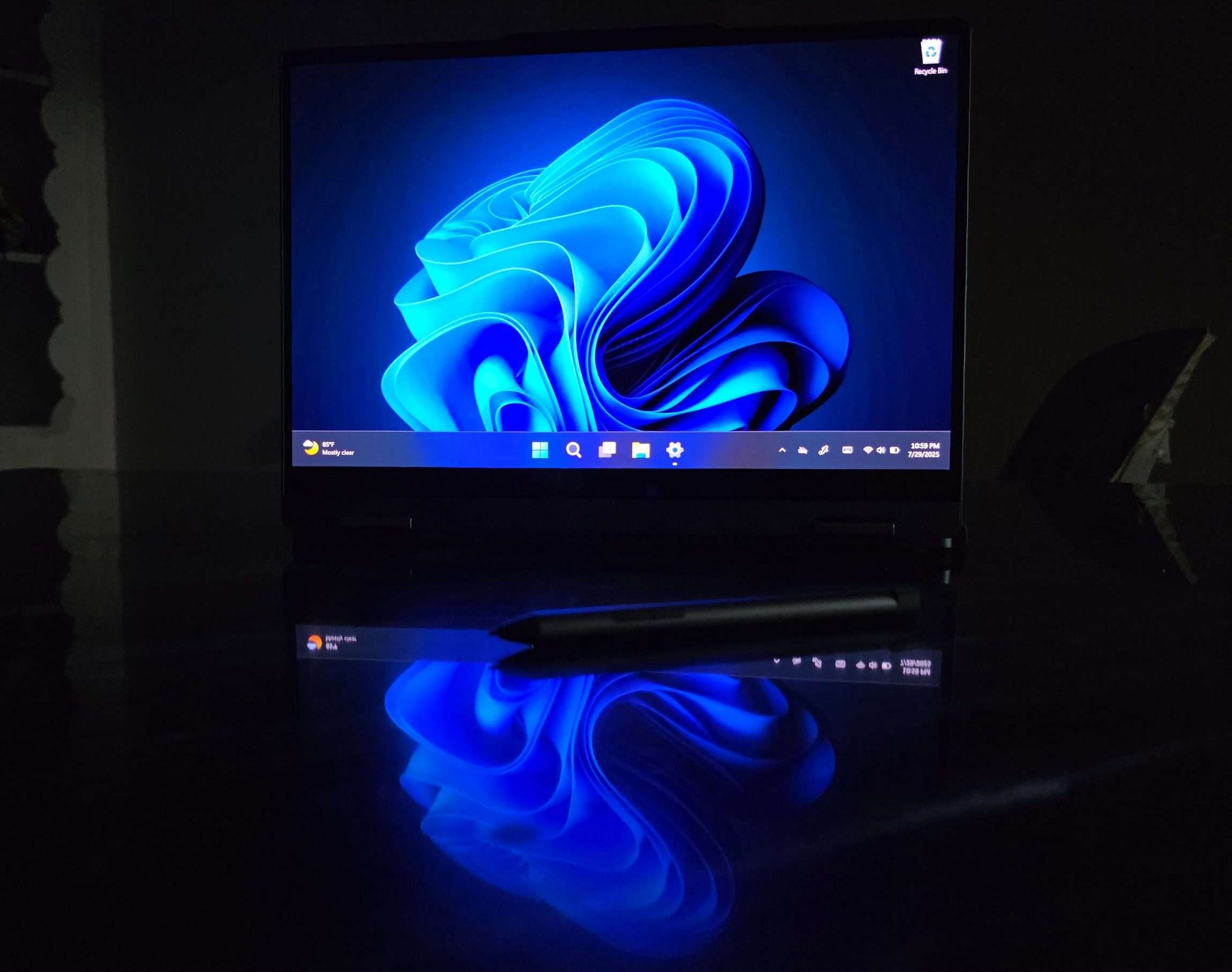
The 14-inch touchscreen is vibrant and sharp (2240 x 1400 resolution on my model), and the 16:10 aspect ratio gives you that extra bit of vertical space that really helps with multitasking or reading documents. Brightness levels are solid for indoor and moderately bright outdoor use, and the colors are accurate enough that I trust them when editing visuals for web or print. Being a 2-in-1 convertible, I use it in multiple modes throughout the day, standard laptop mode for work, tent mode for watching videos, and tablet mode when I want to unwind or sketch something. The hinges feel sturdy, and flipping the screen around is seamless. I’ve used it with a digital pen (sold separately), and the inking is responsive enough for notes and light drawing.
Build Quality That Doesn’t Feel Budget
Despite being part of Lenovo’s mid-range lineup, the IdeaPad 5x doesn’t feel cheap. The aluminum top cover gives it a premium look and feel, and it’s light, about 3.28 pounds (1.49kg), so I don’t think twice about slipping it into my backpack. It feels like the kind of device you can trust for the long haul. The keyboard deserves a shoutout. Typing feels comfortable, with good key travel and spacing. I’ve typed thousands of words on this thing already with zero discomfort. The touchpad is generously sized and tracks smoothly as well.
Connectivity and Everyday Use
There are plenty of ports, which is something I didn’t expect on a thin 2-in-1. You get two USB-C ports, one of which supports power delivery, 2 USB-A ports, a microSD card reader, and a headphone/mic jack. No dongles required, finally, with Wi-Fi 7 and Bluetooth 5.3, things are lightning fast and stable. I use Bluetooth earbuds and a wireless mouse, and the connections have been flawless. Startup is instant, and thanks to Windows Hello facial recognition, I rarely have to type a password, just open the lid, and I’m in. It’s small conveniences like this that make the IdeaPad 5x feel like a thoughtful tool, not just another device.
Windows on ARM: Ready for Prime Time
I’ll be honest, when I first heard “ARM laptop,” I worried about app compatibility. But I haven’t run into any serious issues. Microsoft’s native apps like Edge, Office, and Teams all run beautifully. Even third-party apps like Zoom, Slack, Canva, and Adobe Express feel native thanks to the improved emulation layer. Windows Copilot is integrated, and I’ve found it more useful than I expected, summarizing documents, answering quick questions, and helping me draft emails. AI features feel less like a gimmick and more like quiet assistants that speed things up.
Audio and Webcam
The quad speaker setup offers surprisingly good audio for a device this thin. It gets loud, the clarity is solid, and there’s even some low-end presence when watching movies or listening to music. It’s not a portable boombox, but it’s great for Zoom calls and entertainment. The 1080p FHD RGB webcam is crisp, with great color and decent low-light performance. Paired with AI noise cancellation on the microphones, it’s definitely better than the webcams you get in most mid-tier laptops. I’ve had several people comment on how clear my video feed is during calls.
Pros and Cons
Pros
- Excellent battery life
- Sharp 14″ OLED touchscreen with 2-in-1 flexibility
- Snapdragon performance for everyday use
- Windows Hello and instant wake make it feel modern
- Plenty of ports, no dongles needed
- Great keyboard and touchpad
- Solid audio and webcam quality
- Lightweight and travel-friendly
Cons
- Not suitable for heavy gaming or pro-level creative workloads
- Pen not included
- Pen holder takes up a usb port
- Partial metal build (lid only)

Final Verdict
If you’re looking for a quiet, all-day laptop that’s light, modern, and versatile enough for work, school, and streaming, the Lenovo IdeaPad 5x 2-in-1 with Snapdragon checks all the right boxes. It’s more than capable, with it’s surprisingly premium design, it is easy to rely on for real-world use. The switch to Snapdragon didn’t just work, Fit elevated the experience. I can easily recommend this laptop to anyone who needs an efficient, silent, and versatile machine that gets the job done without breaking the bank.
advertising
Warning: Trying to access array offset on false in /home/fa559791/dzhereltse37.com.ua/sonnydickson/wp-content/plugins/rs-resizer/libs/rs_resizer.php on line 295
Warning: Trying to access array offset on false in /home/fa559791/dzhereltse37.com.ua/sonnydickson/wp-content/plugins/rs-resizer/libs/rs_resizer.php on line 302
Warning: Trying to access array offset on false in /home/fa559791/dzhereltse37.com.ua/sonnydickson/wp-content/plugins/rs-resizer/libs/rs_resizer.php on line 303
Warning: Trying to access array offset on false in /home/fa559791/dzhereltse37.com.ua/sonnydickson/wp-content/plugins/rs-resizer/libs/rs_resizer.php on line 303
Warning: Trying to access array offset on false in /home/fa559791/dzhereltse37.com.ua/sonnydickson/wp-content/plugins/rs-resizer/libs/rs_resizer.php on line 303
Warning: Trying to access array offset on false in /home/fa559791/dzhereltse37.com.ua/sonnydickson/wp-content/plugins/rs-resizer/libs/rs_resizer.php on line 295
Warning: Trying to access array offset on false in /home/fa559791/dzhereltse37.com.ua/sonnydickson/wp-content/plugins/rs-resizer/libs/rs_resizer.php on line 302
Warning: Trying to access array offset on false in /home/fa559791/dzhereltse37.com.ua/sonnydickson/wp-content/plugins/rs-resizer/libs/rs_resizer.php on line 303
Warning: Trying to access array offset on false in /home/fa559791/dzhereltse37.com.ua/sonnydickson/wp-content/plugins/rs-resizer/libs/rs_resizer.php on line 303
Warning: Trying to access array offset on false in /home/fa559791/dzhereltse37.com.ua/sonnydickson/wp-content/plugins/rs-resizer/libs/rs_resizer.php on line 303
Similar articles

Review: Lenovo IdeaPad 5x 2-in-1 (14″ Snapdragon)
Kris QuickAugust 11, 2025

Comments
Don't miss our best reviews
Occasional updates, only when we have something worth sharing
Occasional updates, only when we have something worth sharing

Thanks for your message!
We’ve received it and will get back to you soon.